55 47 66 Velo-Points
55 47 66

Knooppunten-fietsroutes voor je iPhone. Cycling node-network routes for your iPhone.

Geef een afstand op en kies wat voor sfeer je wil — bos, water, duin, heide of stad. De app stelt zelf een knooppunten-rondrit samen. Onderweg zie je alleen wat je nodig hebt om het volgende bordje te halen. Pick a distance and the kind of scenery you want — forest, water, dunes, heath or town. The app builds a knooppunten loop for you. While riding you only see what you need to reach the next sign.

Wat de app doet What the app does

Route-plannerRoute planner

Kies een afstand en de app stelt direct rondritten voor vanaf waar je bent. Stuur 'm bij door knooppunten toe te voegen die je wilt meepakken. Pick a distance and the app suggests loops right from where you are. Steer it by adding knooppunten you'd like to pass through.

Sfeer-filtersBiome filters

Sleep bos, water, duinen, heide en stad in jouw volgorde, en kies asfalt of onverhard. De planner past de route daarop aan. Drag forest, water, dunes, heath and town into your order, and pick paved or unpaved. The planner shapes the route to match.

Punt-naar-puntPoint-to-point

Een vaste bestemming? De planner vindt de kortste route ernaartoe — met de afstand er automatisch bij. Got a destination? The planner finds the shortest route there — with the distance worked out for you.

Minimalistisch navigerenMinimal navigation

Onderweg zie je het volgende knooppunt en de afstand. Geen drukke kaart, geen turn-by-turn — gewoon het bordje volgen. On the road you see the next knooppunt and the distance. No busy map, no turn-by-turn — just follow the sign.

NieuwNew

Samen rijdenRide together

Koppel met een mederijder via een tik of QR-code en deel je route — vooraf of onderweg. Over je lokale netwerk, zonder account of cloud. Pair with another rider via a tap or QR code and share your route — before or during the ride. Over your local network, no account or cloud.

Apple WatchApple Watch

Navigeer vanaf je pols met live ritgegevens; de Watch start automatisch een workout in HealthKit. Navigate from your wrist with live ride stats; the Watch auto-starts a HealthKit workout.

Siri & OpdrachtenSiri & Shortcuts

Start, pauzeer of beëindig een rit handsfree met je stem via Siri of Opdrachten. Start, pause or end a ride hands-free with your voice via Siri or Shortcuts.

Heel NederlandAll of the Netherlands

Het complete Nederlandse knooppunten-netwerk zit in de app — van Veluwe tot Zeeland. The entire Dutch knooppunten network is in the app — from the Veluwe to Zeeland.

Offline & privéOffline & private

Alles werkt offline en blijft op je toestel. Geen account, geen tracking, geen server. Everything works offline and stays on your device. No account, no tracking, no server.

Zo werkt het How it works

  1. Plan je route Plan your route

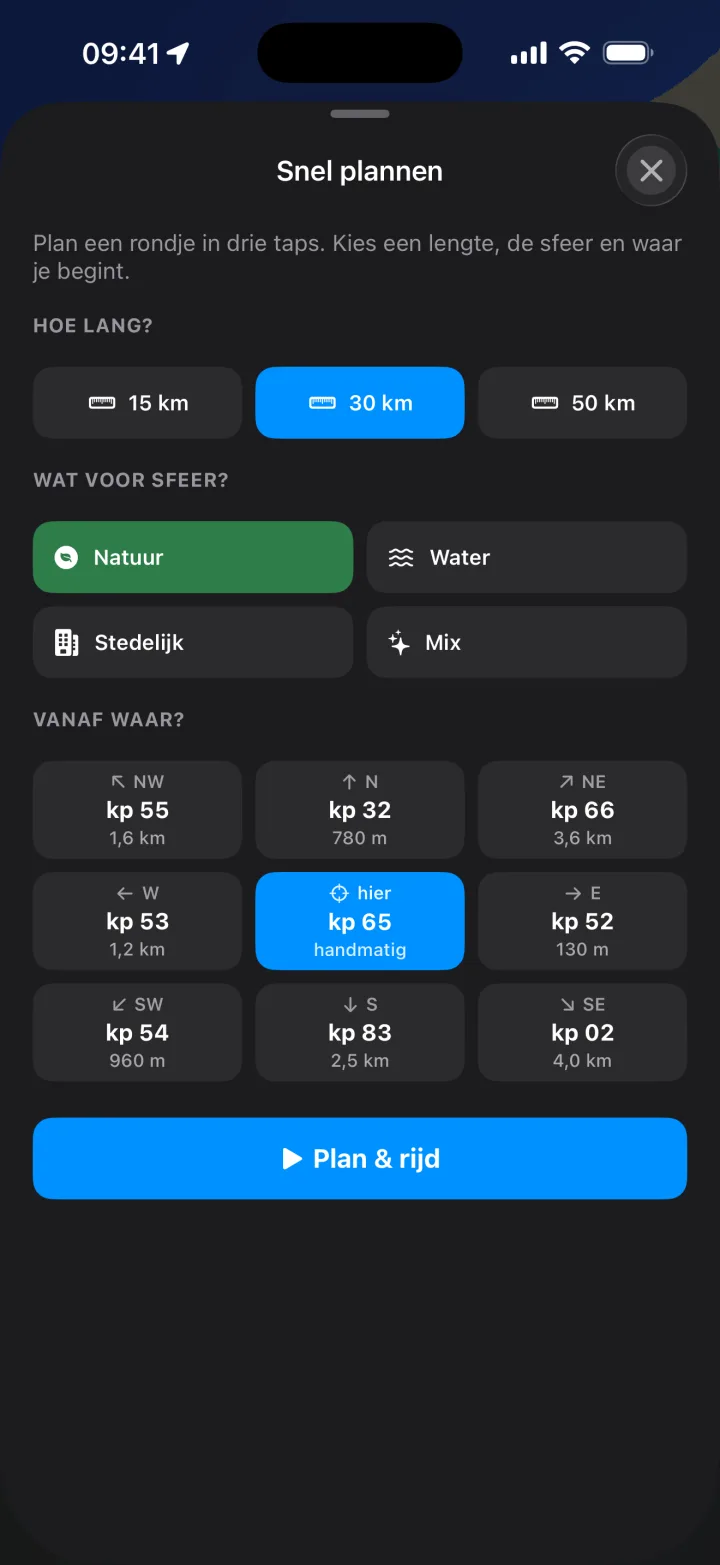
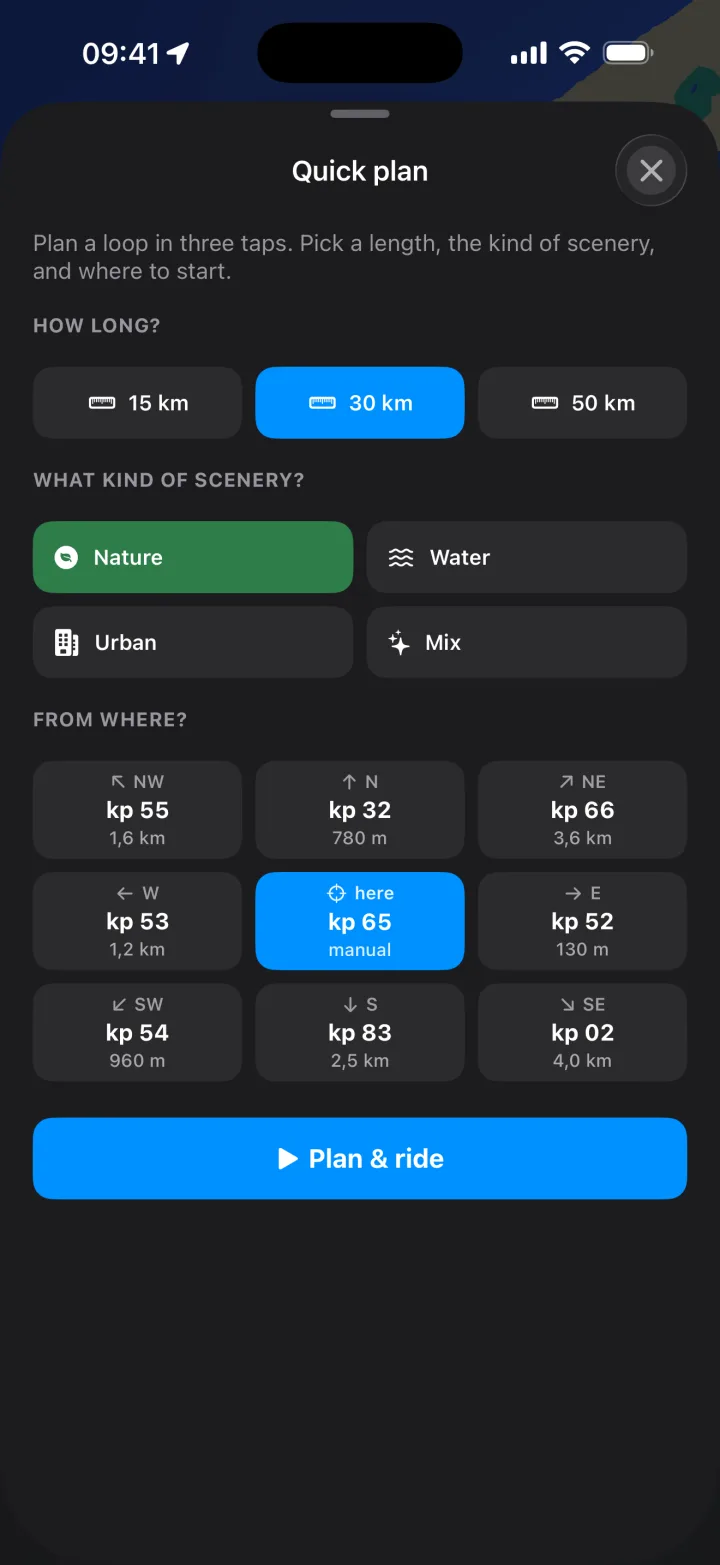
    Kies in drie taps een afstand, de sfeer en waar je begint — de app stelt direct rondritten voor vanaf waar je bent. In three taps pick a distance, the mood and where you start — the app suggests loops right from where you are.

    Quick plan: choose distance, biome and start knooppunt Quick plan: choose distance, biome and start knooppunt
  2. Of stel het fijner in Or fine-tune it

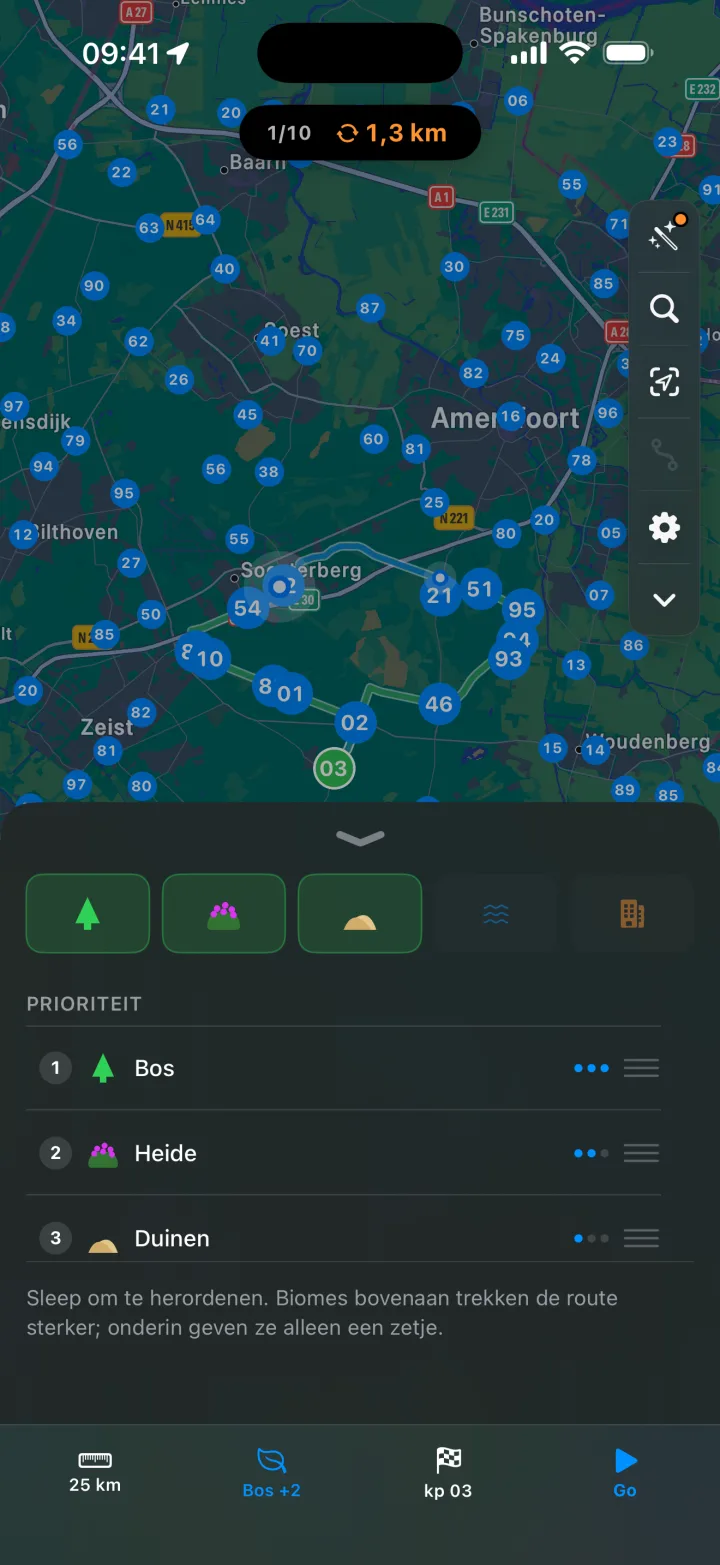
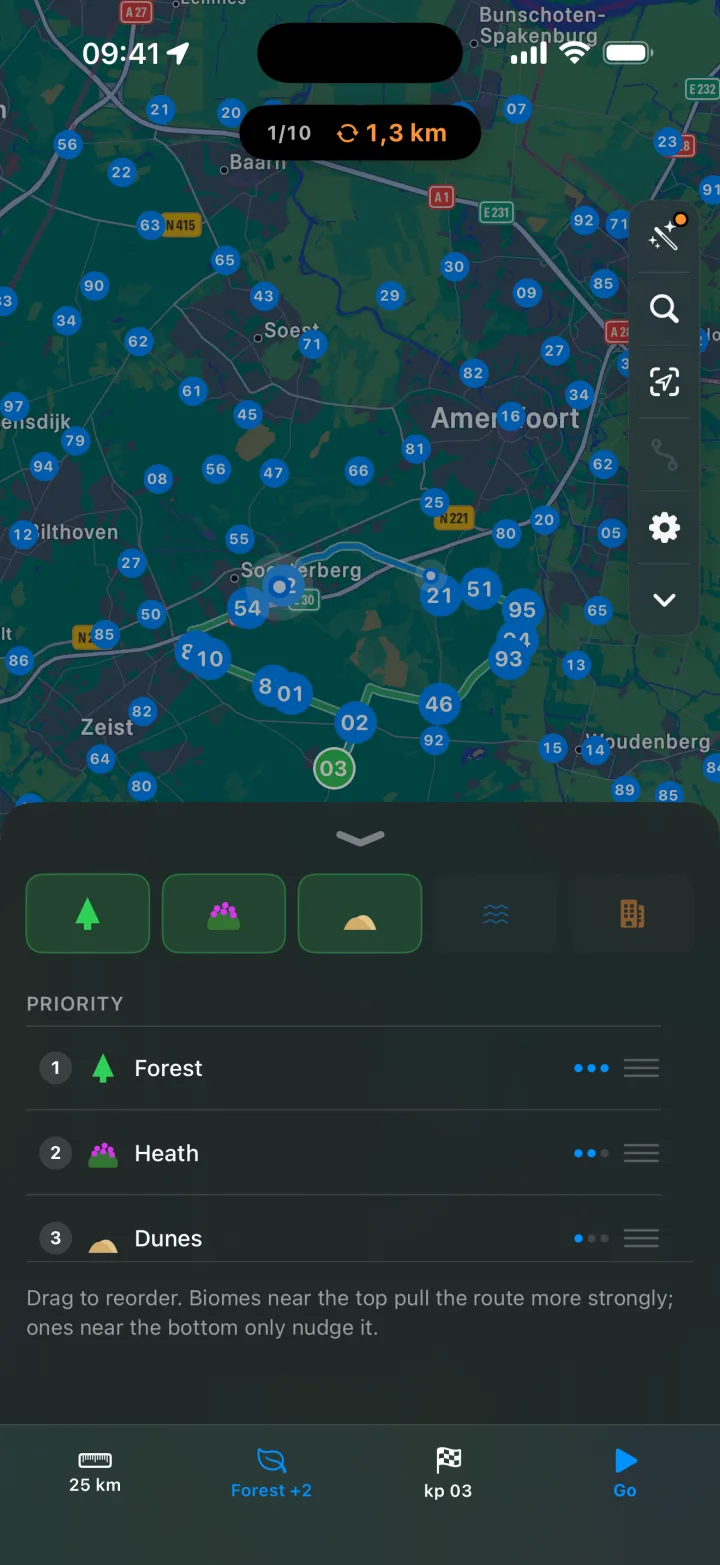
    Wil je meer sturing dan de drie taps? Sleep bos, water, duinen, heide en stad in jouw volgorde en kies asfalt of onverhard — de planner past de route daarop aan. Want more control than the three taps? Drag forest, water, dunes, heath and town into your order and pick paved or unpaved — the planner shapes the route to match.

    Biome filter with drag-reorder priority list Biome filter with drag-reorder priority list
  3. Rij samen Ride together

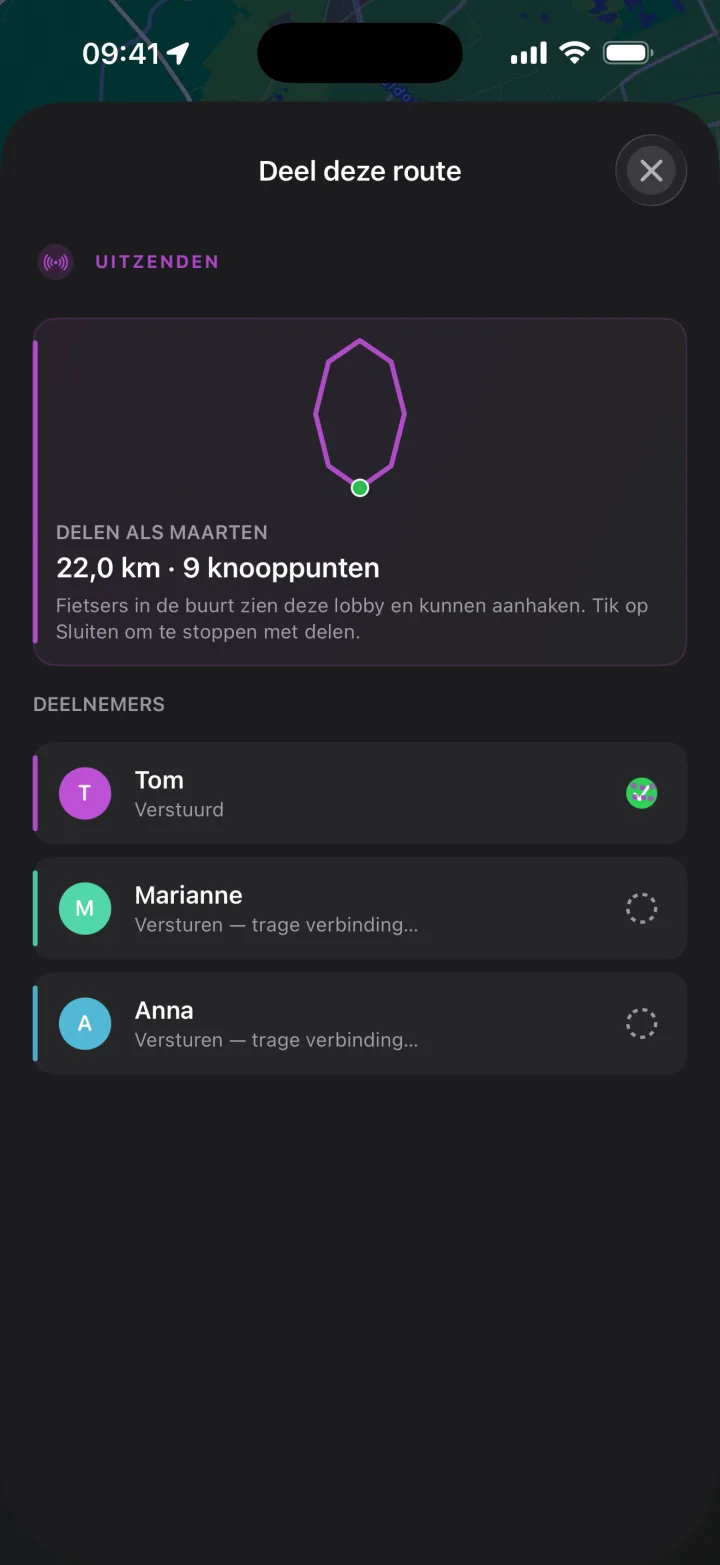
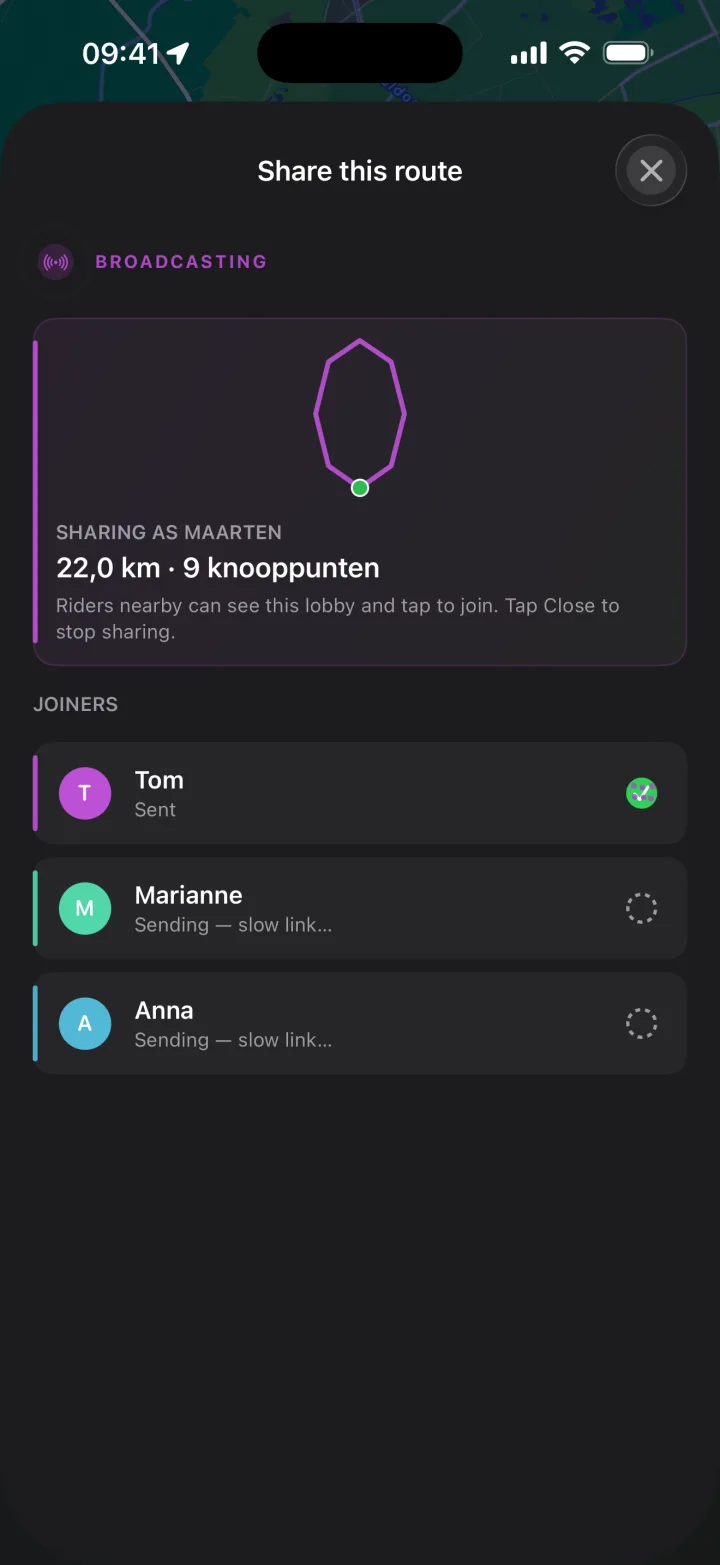
    Koppel met een mederijder via een tik of QR-code en deel je route met fietsers in de buurt — voor of tijdens de rit. Pair with another rider via a tap or QR code and share your route with riders nearby — before or during the ride.

    Sharing a planned route with nearby riders before the ride Sharing a planned route with nearby riders before the ride
  4. Volg de bordjes Follow the signs

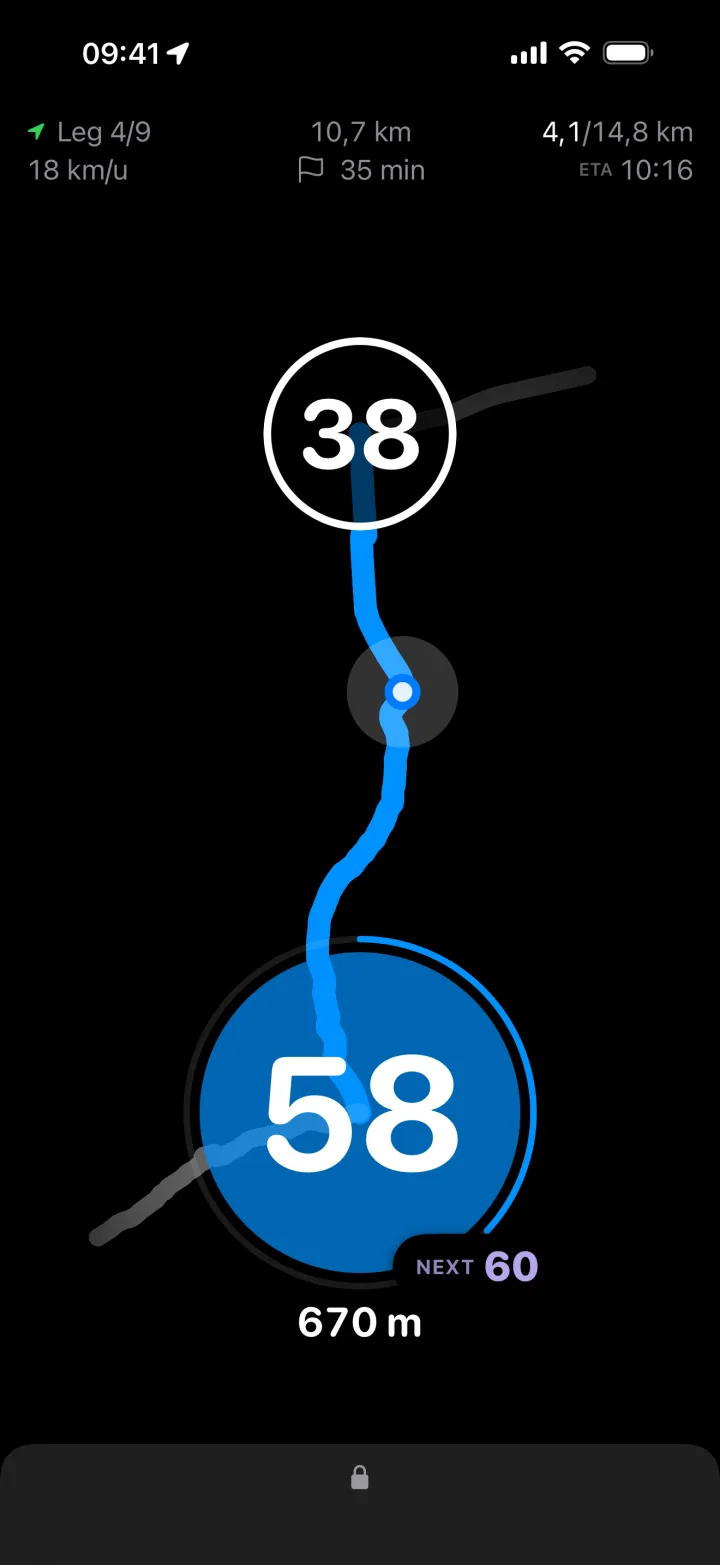
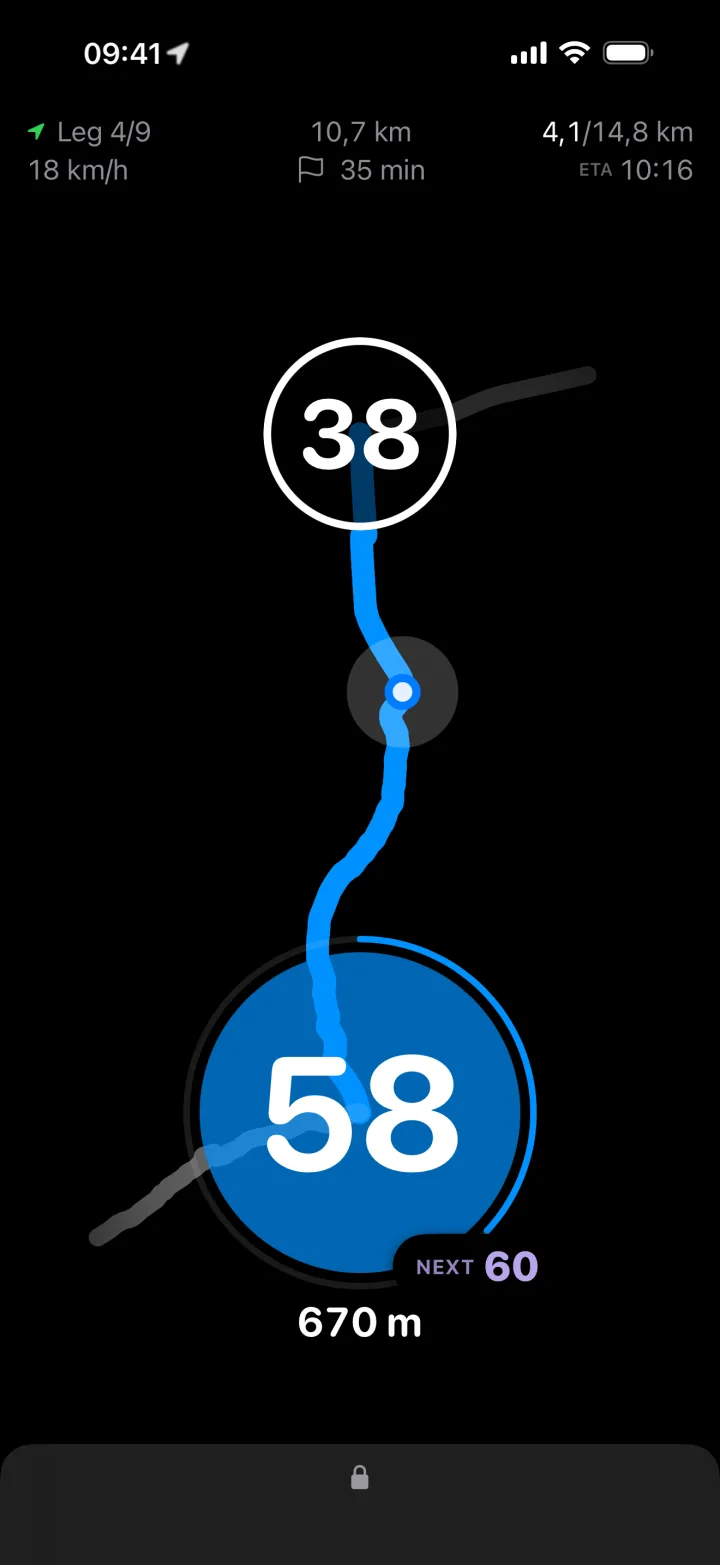
    De app wijst je naar het volgende knooppunt en hoe ver het is; jij volgt de officiële knooppuntbordjes ernaartoe. Geen drukke kaart, geen turn-by-turn. The app points you to the next knooppunt and how far it is; you follow the official knooppunt signs to get there. No busy map, no turn-by-turn.

    Minimal navigation while riding Minimal navigation while riding
  5. Of vanaf je pols Or from your wrist

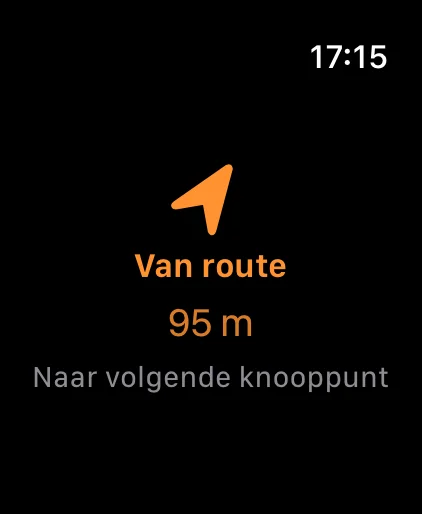
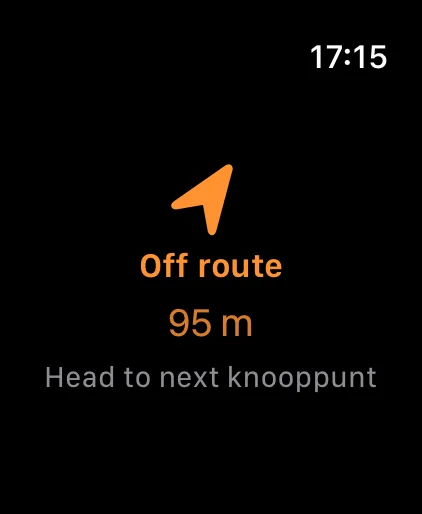
    Navigeer vanaf je Apple Watch met live ritgegevens — die ook waarschuwt zodra je van de route raakt. Navigate from your Apple Watch with live ride stats — it warns you the moment you drift off-route.

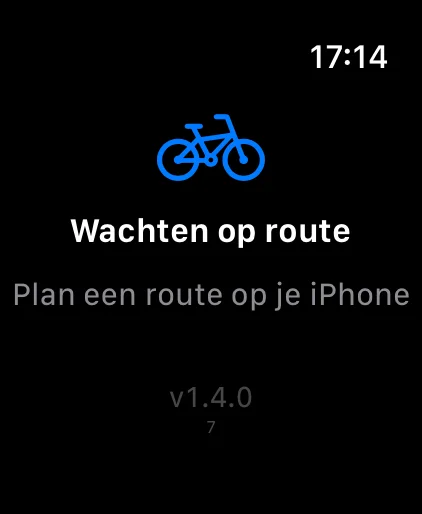
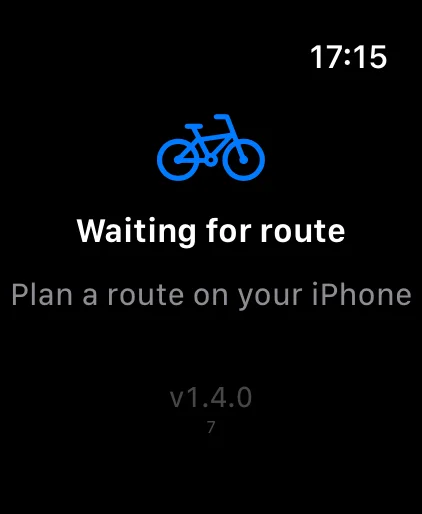
    Apple Watch waiting for the iPhone before a ride Apple Watch waiting for the iPhone before a ride
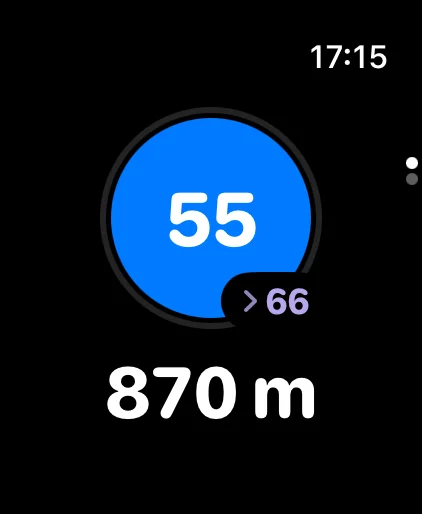
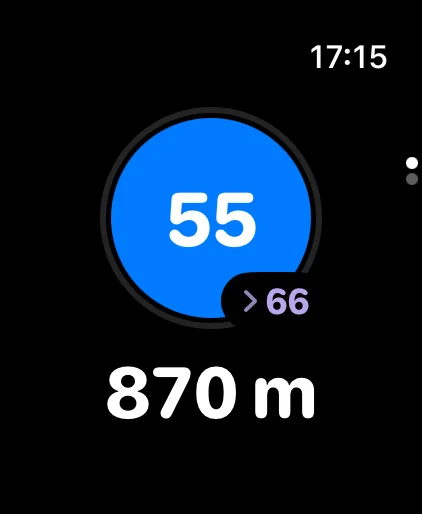
    Apple Watch showing next knooppunt and distance Apple Watch showing next knooppunt and distance
    Apple Watch off-route warning Apple Watch off-route warning

Support Support

Bug gevonden? Vraag of feedback? Stuur een mailtje — ik lees alles zelf.

E-mailsupport@velo-points.app

Goed om te weten

Heb ik internet nodig tijdens het fietsen? Voor de navigatie niet — knooppunten en routes zitten lokaal in de app, je krijgt simpele "ga naar het volgende knooppunt"-aanwijzingen. Wil je een kaart zien (bij het plannen of als optie tijdens de rit), dan heb je internet nodig — die wordt gerenderd via Apple Maps.

Worden mijn ritten ergens opgeslagen? Alleen als workout in jouw eigen Health-app, met afstand en route. Velo-Points zelf bewaart niets.

Welke iOS-versie heb ik nodig? iOS 18 of hoger op de iPhone, watchOS 11 of hoger op de Watch.

Found a bug? Question or feedback? Drop me a line — I read everything myself.

Emailsupport@velo-points.app

Good to know

Do I need internet while riding? Not for navigation — knooppunten and routes are stored on-device, so directions work offline. To view a map (when planning, or optionally during the ride), you do need internet — those map tiles come from Apple Maps.

Are my rides stored anywhere? Only as a workout in your own Health app, with distance and route. Velo-Points itself stores nothing.

Which iOS version do I need? iOS 18 or later on iPhone, watchOS 11 or later on Watch.